The details that matter most are the ones nobody can name. A press that scales by three percent. A menu that opens from the control that opened it. A number that does not jitter as it counts, because its digits all share one width.
Ask someone why one app feels better than another and they will say it is faster, or smoother, or just nicer. They are almost never describing a feature. They are describing a few hundred small decisions that each took an afternoon, none of which would survive being listed in a release note.
Feedback before function
An interface has about a hundred milliseconds to say it heard you. After that the hand starts to doubt, and a doubting hand clicks again. Most of the polish people describe as “feel” is simply that window, kept.
Acknowledge, then complete
Keeping it is rarely about raw speed. The request can take two seconds as long as something answers in the first hundred milliseconds: the button dims, the row lifts, a spinner takes the place of the label it replaced. The work is acknowledged at once and completed whenever it is ready, and the person in front of it never wonders whether they were heard.
- Animate from where the thing came from, not from nowhere.
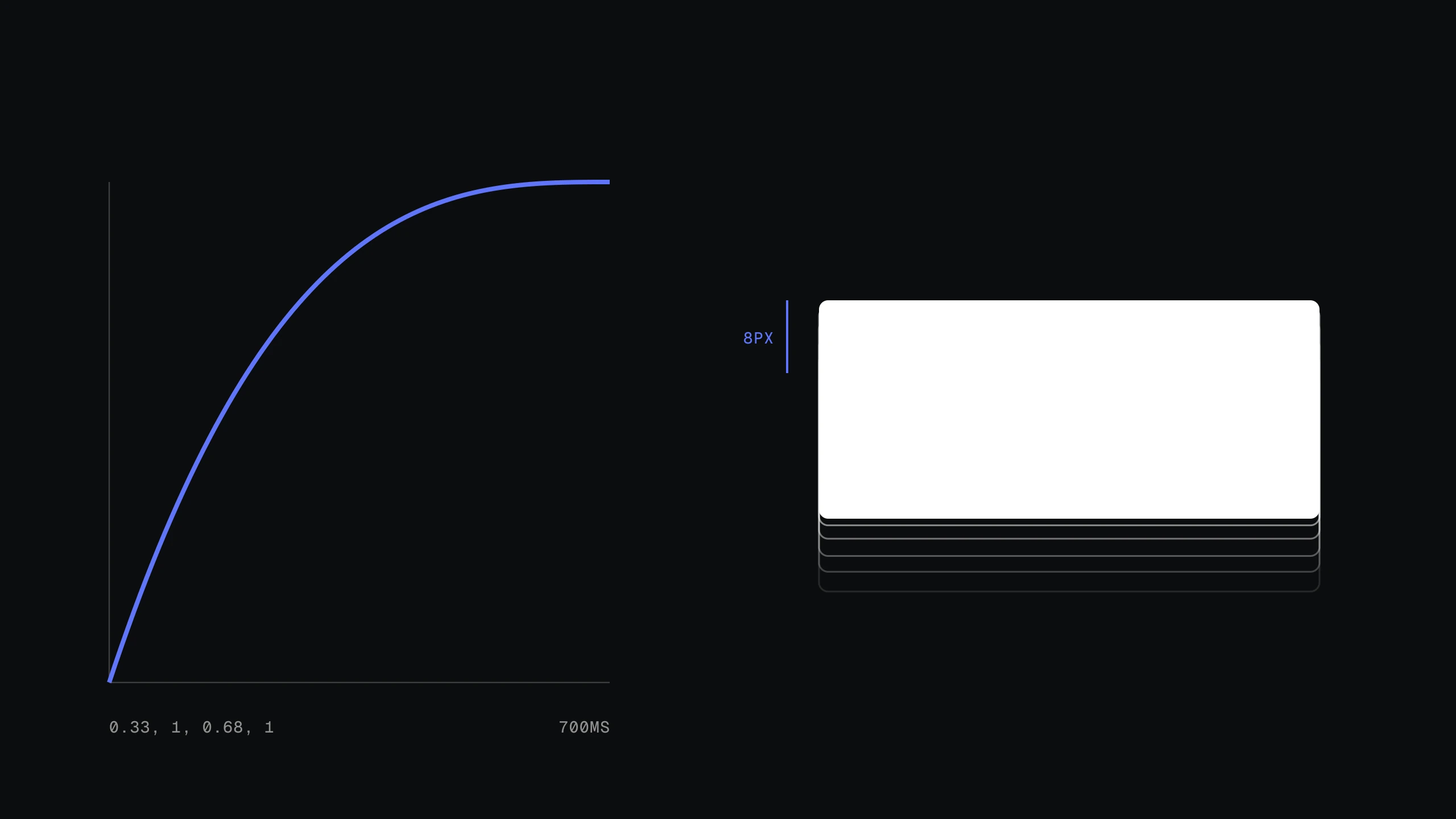
- Ease out on enter, so arrival is fast and the settle is slow.
- Never animate what a person does a hundred times a day.
- Let a press respond on pointer-down, not on release.
Type is an interface
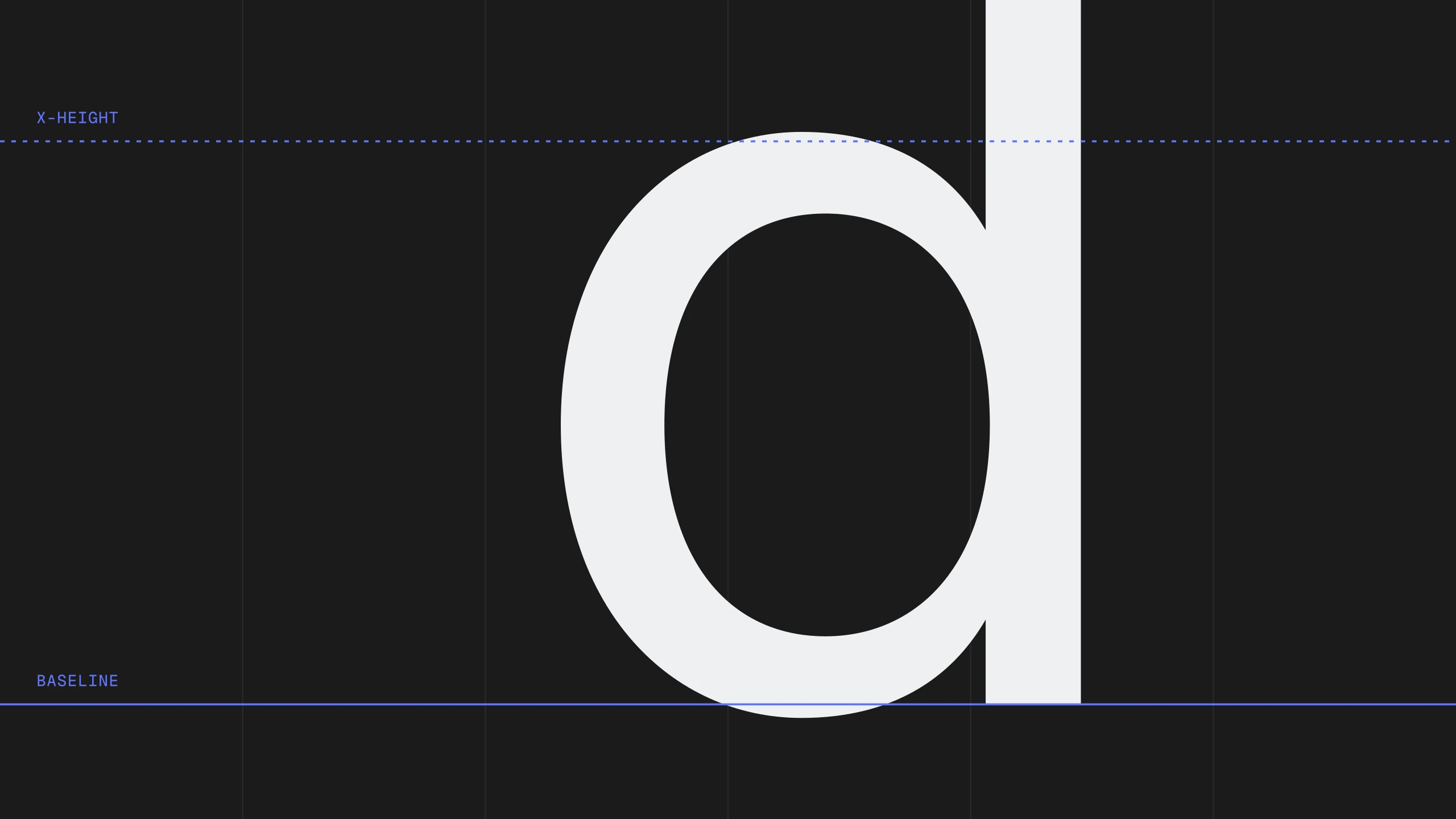
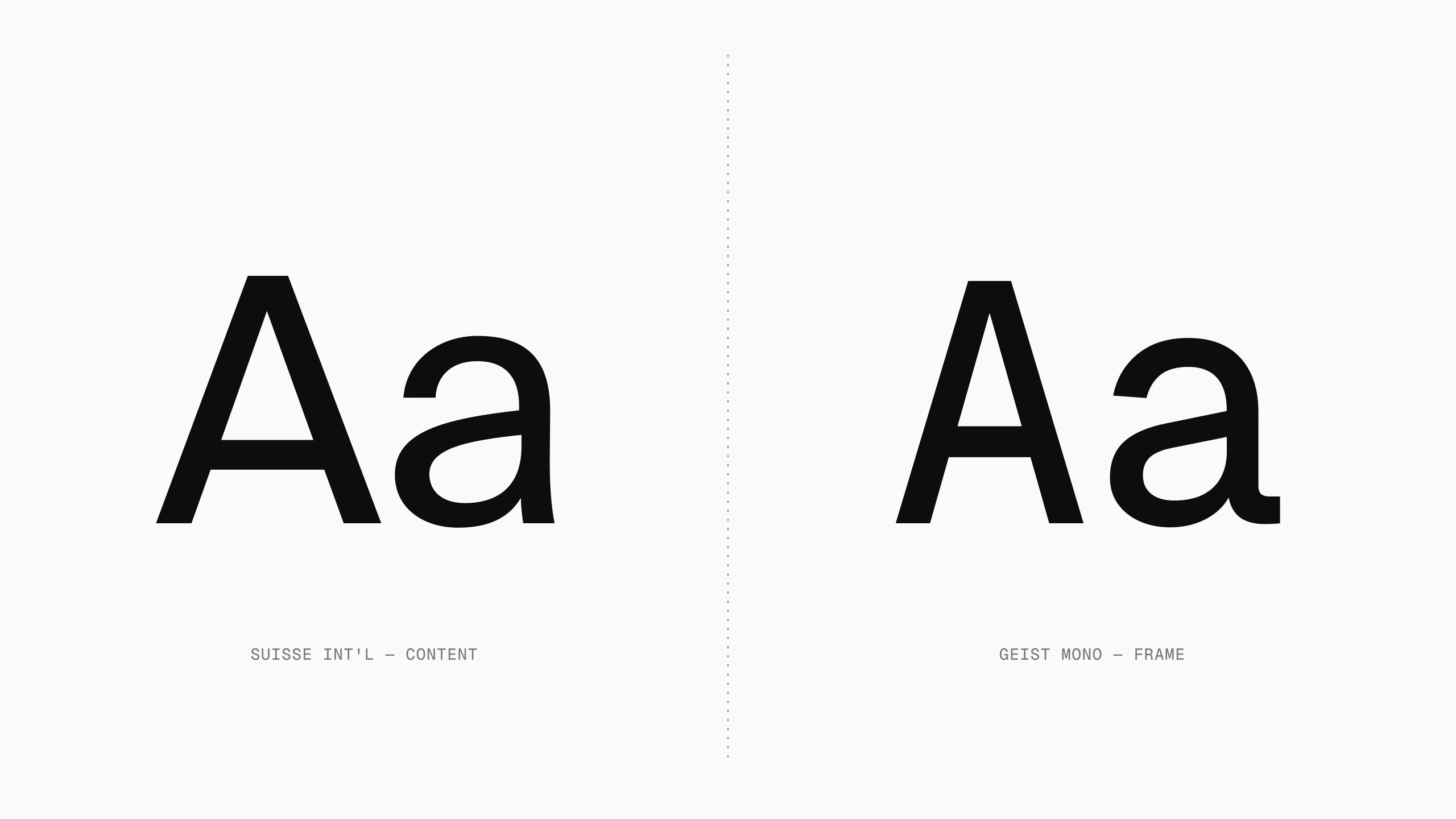
Half of the interface is text, so half of the details are typographic: tabular figures in a table, a heading that does not orphan its last word, a label that does not shift a pixel when it turns bold. None of it is visible. All of it is felt.
The bold label
The bold label is the one that gives teams away. Switch a tab's weight on selection and the whole row shuffles sideways by a pixel or two, every time. The fix is old and boring: reserve the bold width in advance, or change the colour instead of the weight. And it is the difference between a tab bar that feels built and one that feels assembled.
States nobody designs
Most screens are designed in the state that photographs best: full of data, nothing loading, no errors. The details live in the other states. What does the list look like with one item? With none? What does the form say when the network drops between the click and the response?
None of those states make it into a portfolio, and all of them are where people actually spend their time. A product that has thought about its empty state has usually thought about everything else too.
Polish is not a layer you add at the end. It is the end, reached by paying attention all the way there.